
“Base” Web Accessibility (WCAG) Annotation Toolkit
By Arjuna Leri | Figma Community | Design File
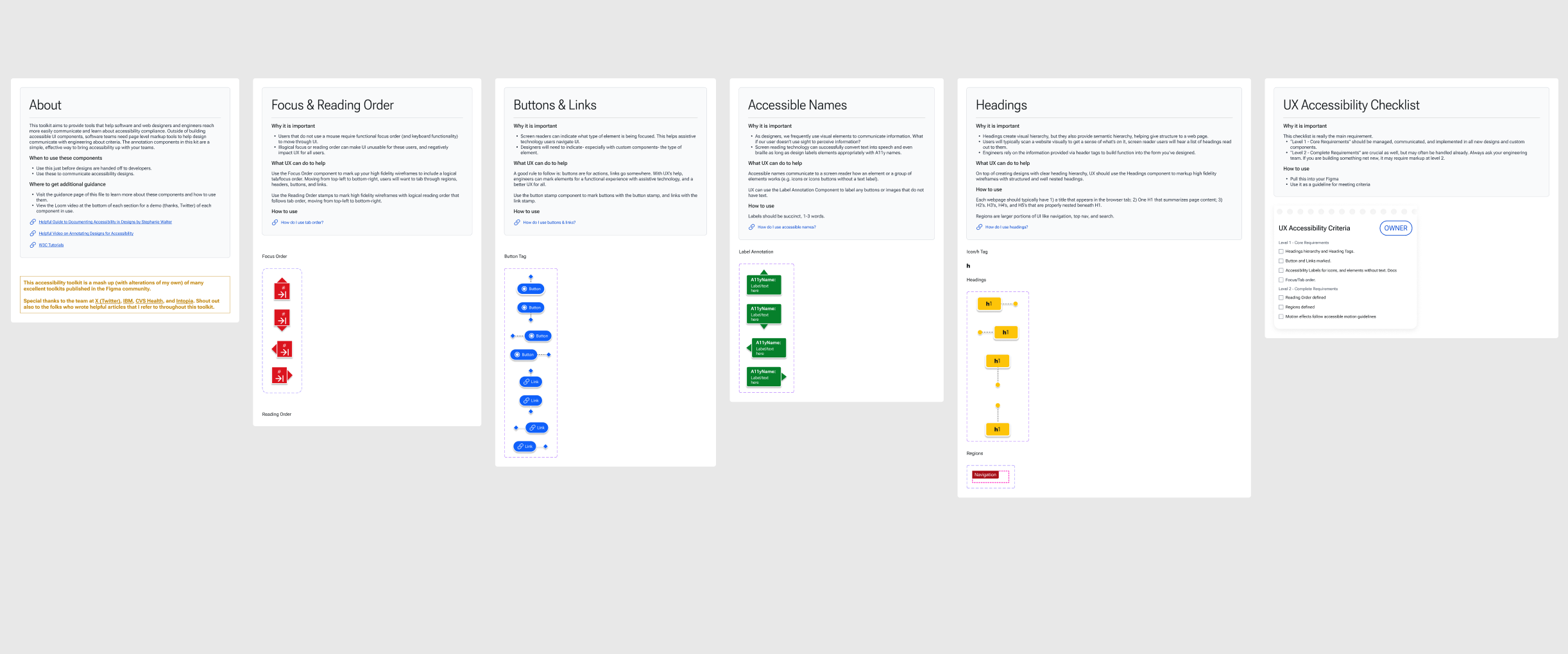
I designed this web accessibility toolkit according to w3.org’s recommendations and documentation, while also leaning into the best Accessibility toolkits I could find on the Figma Creative Commons. In that sense, the toolkit is hopefully a clear, simple, mashup and reference guide of tools to use for anyone within an organization who wants their designs to be WCAG 2.1 compliant.
This toolkit references work from CVS Health, X (Twitter), IBM, and Intopia and adds concepts to those works. The goal being a solid toolkit that brings together great sources into one place.
29
Meaningful downloads 😊
7
Easy-to-use components
9
Pages of documentation
0$
Cost to use
What is the toolkit?
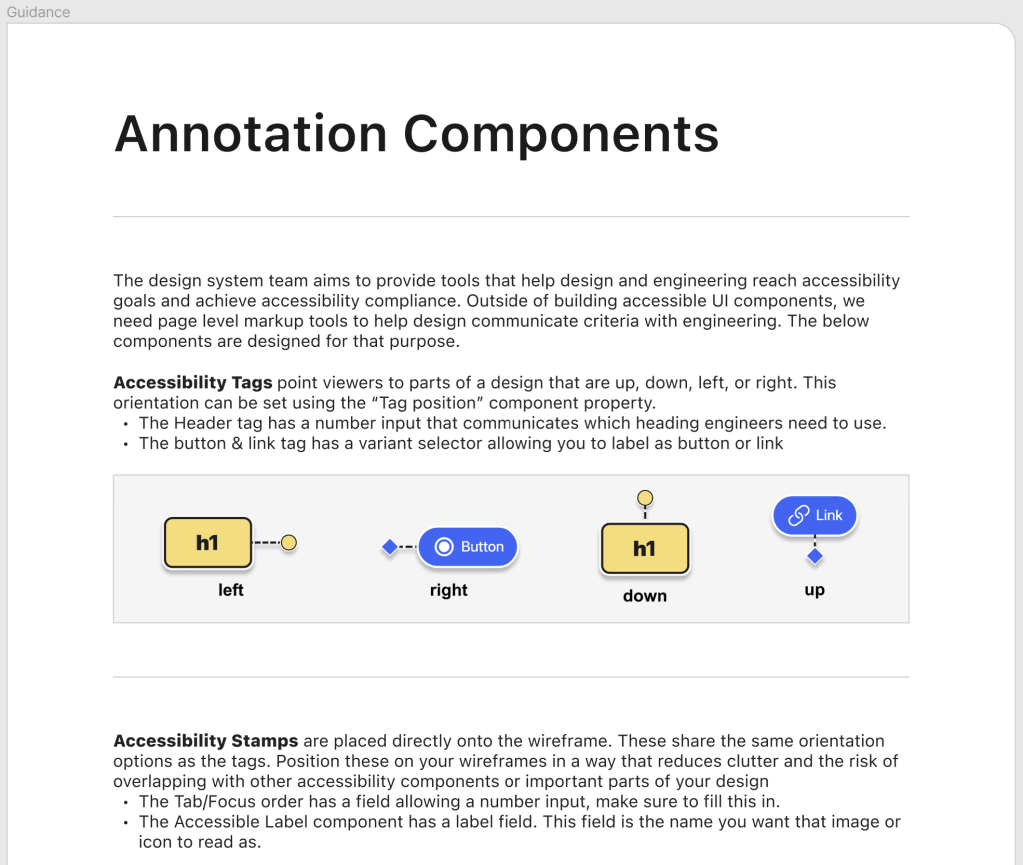
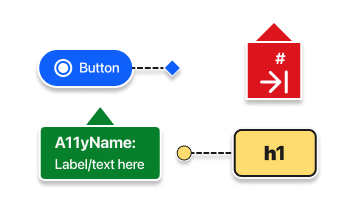
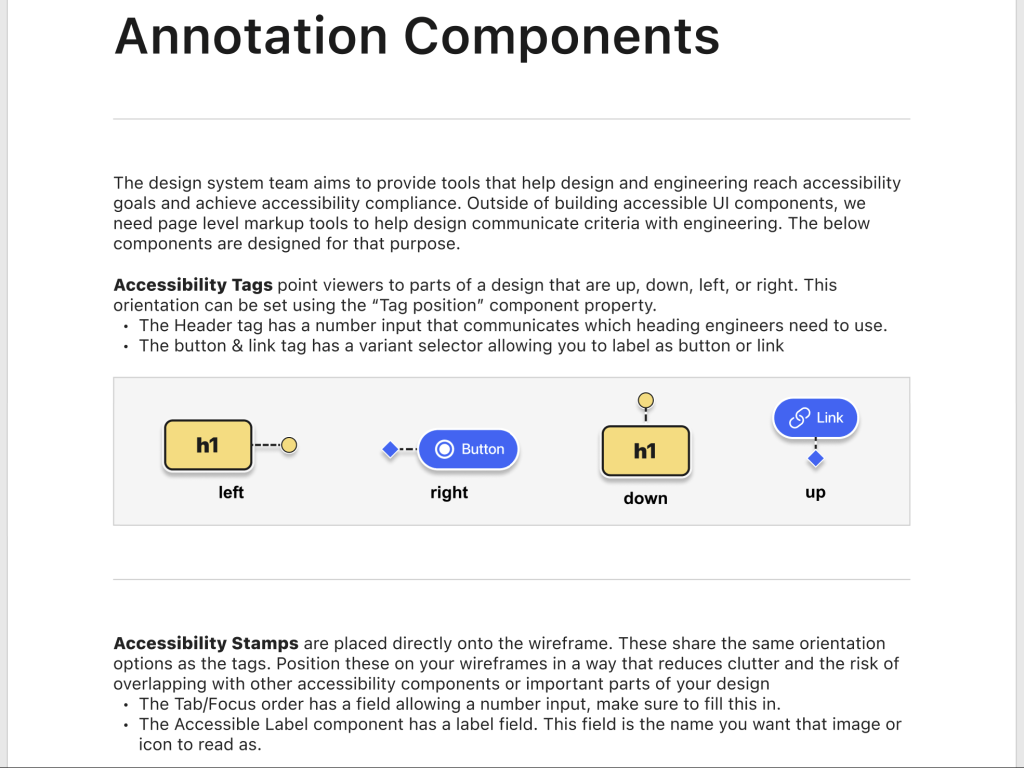
This toolkit provides a structured framework for meeting accessibility compliance. It includes annotation components designed to address key WCAG requirements. These components are designed to align with WCAG’s core principles. Using the annotations and reading the documentation can help designers and engineers recognize how to make web content that is operable, robust, perceivable, and understandable, while also meeting conformance standards. By breaking down compliance requirements into actionable annotations, this toolkit simplifies the process of creating accessible and inclusive designs.
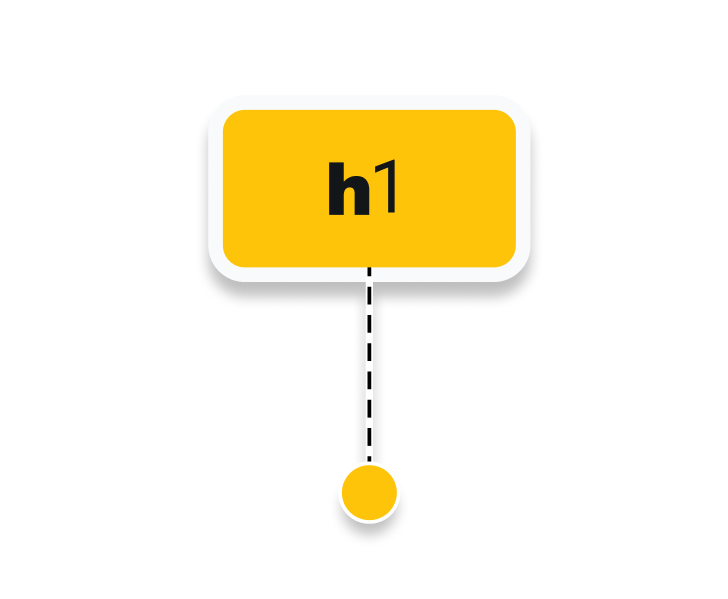
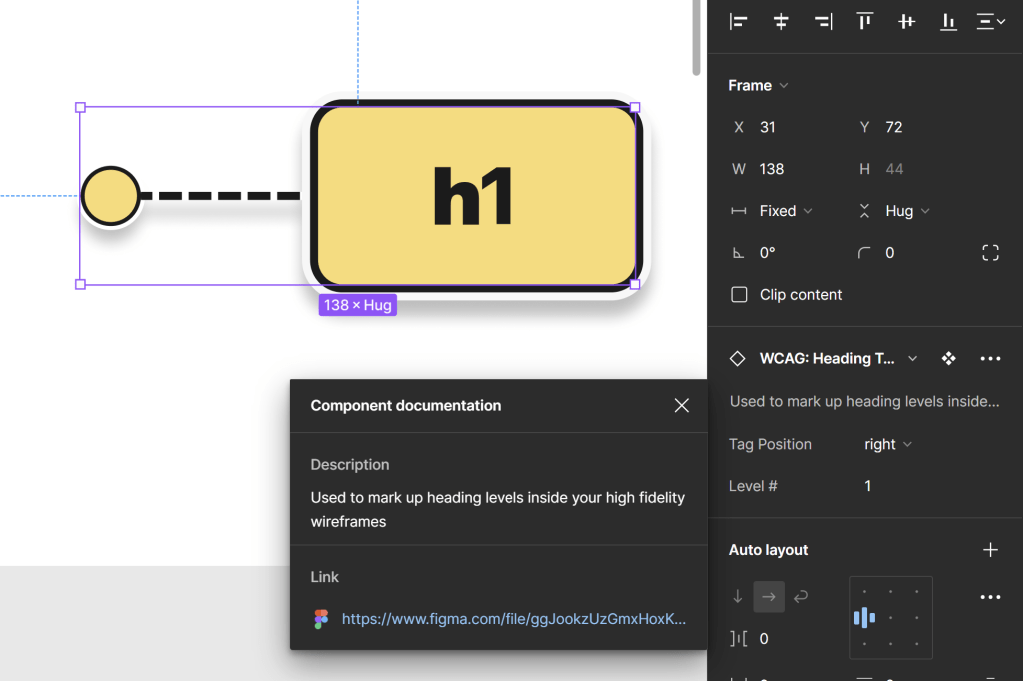
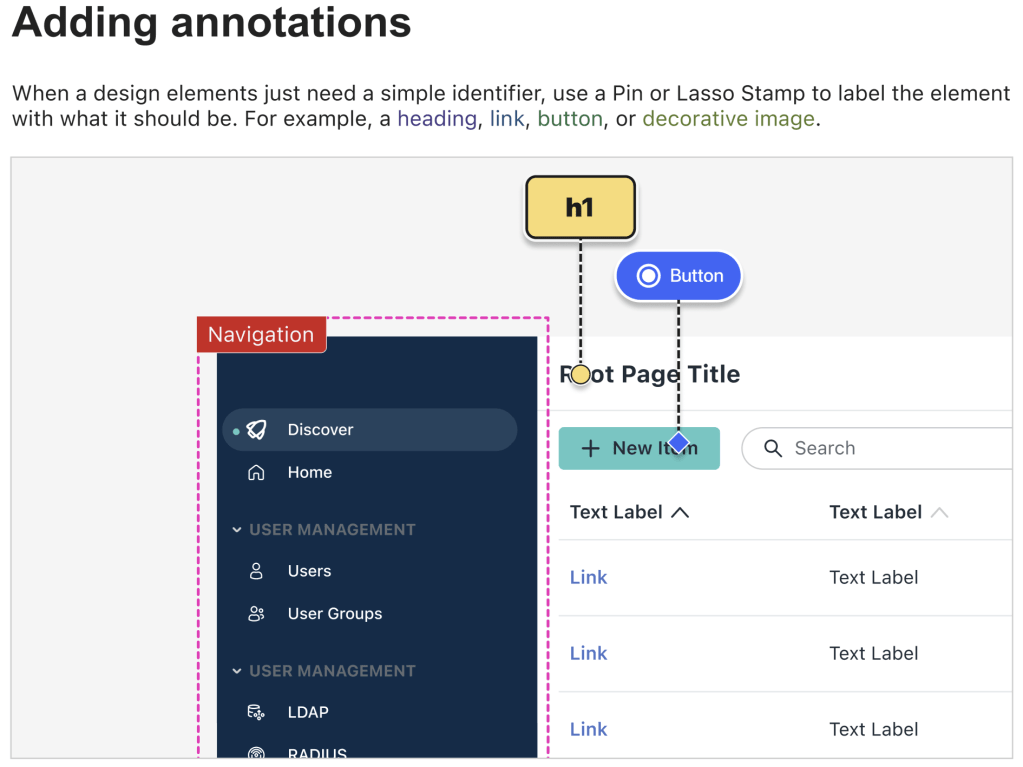
Header Annotation
Specify hierarchical structure, help content be navigable for all users. Users will typically scan a website visually to get a sense of what’s on it, screen reader users will hear a list of headings read out to them.
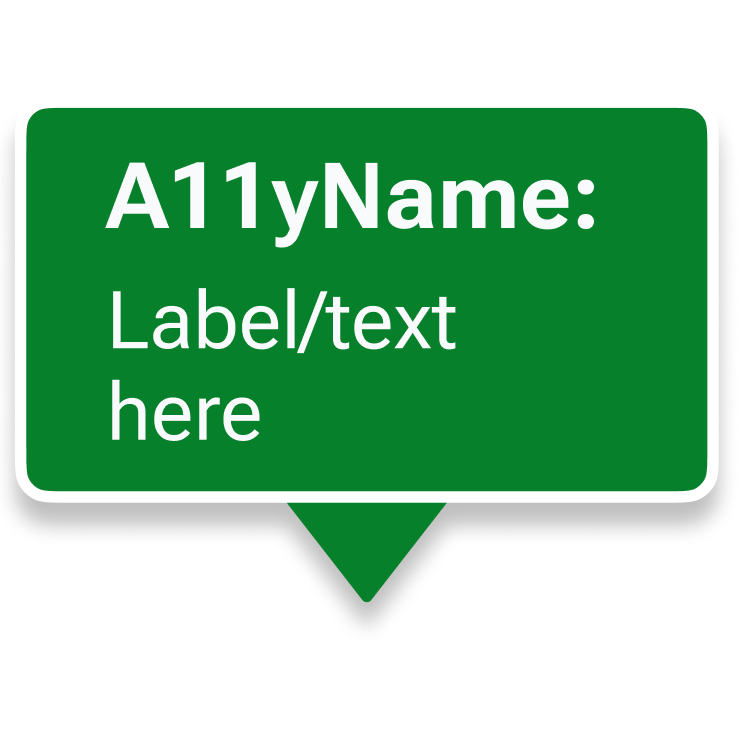
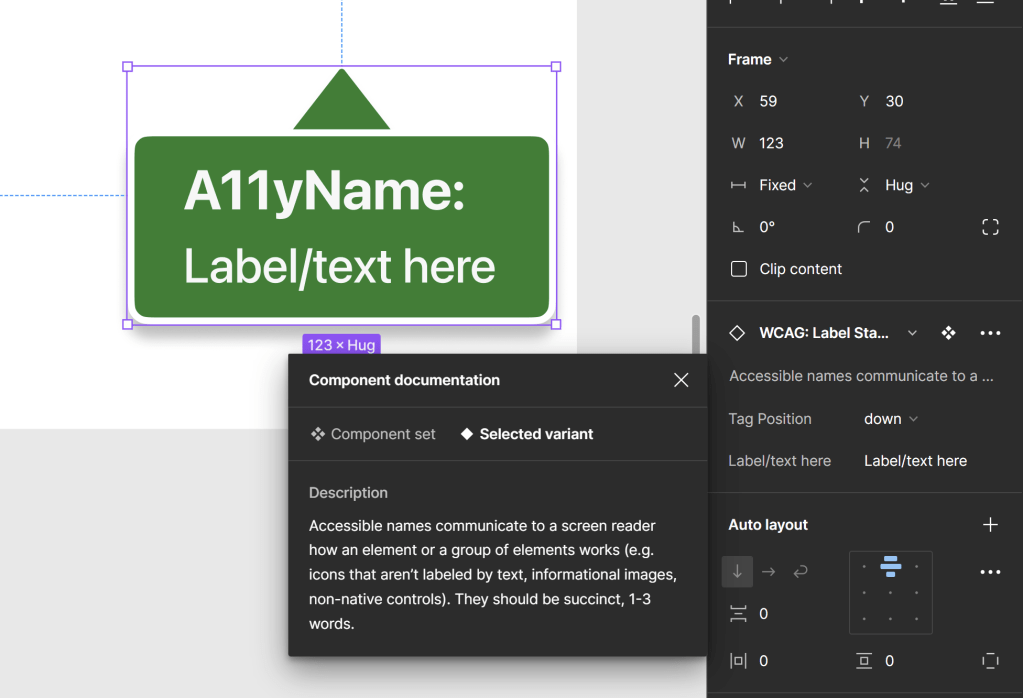
Label Annotation
Screen reading technology can successfully convert text into speech and even braille as long as design labels elements appropriately with A11y names.

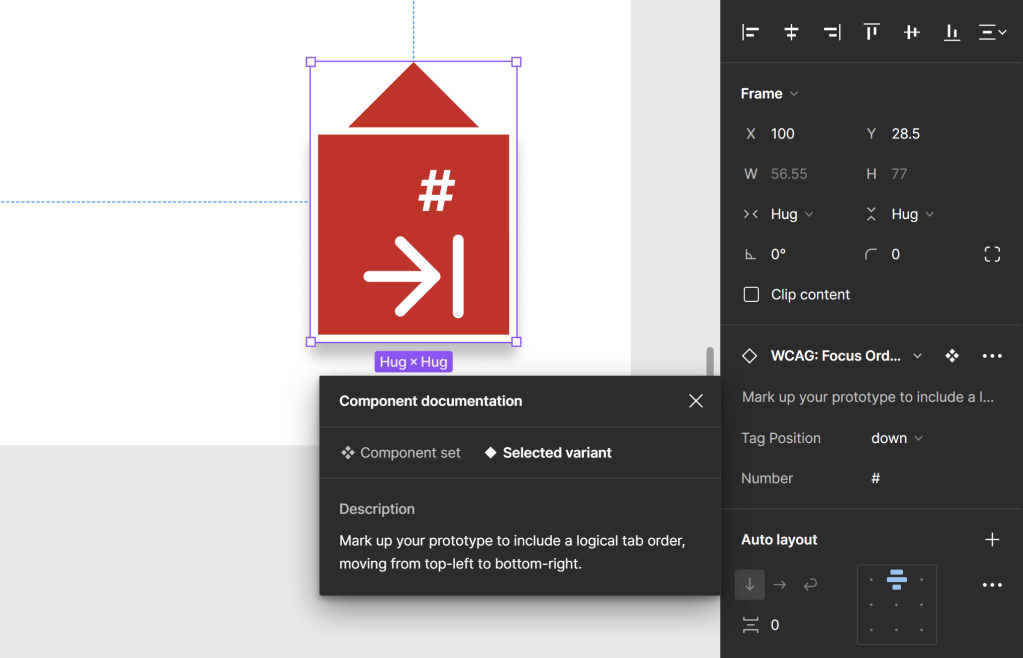
Focus Order Annotation
Indicate the logical tabbing sequence to support operability. Users that do not use a mouse require functional focus order (and keyboard functionality) to move through UI.
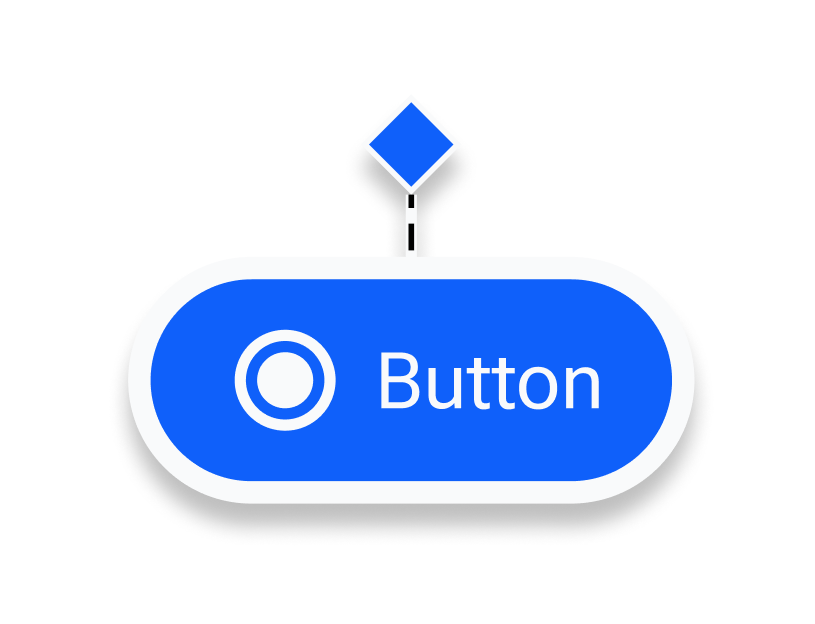
Buttons & Links Annotation
Screen readers can indicate what type of element is being focused. This helps assistive technology users navigate UI.
Why did I create it?
Accessibility compliance takes time and effort across engineers, designers, and managers within product teams. I’ve found that you can help increase the likelihood of teams putting that time and effort into compliance if you provide them with the following:
Education
Space for conversation and evolution of how we all “do the thing”.
Assets
Make the tools to get the job done available to them.
Leadership
Management buy-in, a reliable source for decision making (i.e. UI Guild)
Documentation
A-synchronous guidance so they can help themselves get through barriers.
I’ve observed that when these elements are in place, both teams and individuals are more engaged in conversations around accessibility. I created a version of this solution for an organization I worked with, and it proved especially helpful for designers eager to create accessible products—they were genuinely grateful for the toolkit.
My hope is that this toolkit, when paired with motivated individuals or teams, can contribute to making the digital world a little easier for everyone!
Who is it for?
This toolkit is designed for anyone aiming to improve WCAG compliance, but it’s particularly helpful for:
Designer or Engineer
If you’re working in and are familiar with Figma and want to take the time to create accessible products, this toolkit can help guide you in annotating your files and communicating intentions around accessibility effectively. This is true regardless of your role.
IC of an Organization
If your organization lacks a formal framework for WCAG compliance, this toolkit empowers individual contributors (ICs) to take meaningful steps toward accessibility. This toolkit kit will help give you tools and a framework for how to mark up your files that is based in w3’s accessibility guidance.
Design system teams
This toolkit helps design system teams establish accessibility frameworks by providing pre-built resources that simplify compliance for designers. While the toolkit offers fairly robust documentation and tools, adoption works best when paired with training or office hours—because a successful design system is as much about supporting people as it is about providing assets.
More Reading: End-to-end Product Design, Redesigning Login
Beyond building contrast accessible palettes and color tokens, organizations need help understanding and adopting WCAG guidance. This is why toolkits published within organizations and more broadly are critical!
 Arjuna Leri